Keeping clients informed without a weekly status meeting
Agency email divides cleanly into two piles. One is craft: strategy, creative rationale, the awkward conversation about scope. The other is logistics: where are we, can you approve this, we still need the brand assets, here is what changed. The second pile is most of the volume and none of the value, and it is what makes account managers feel like a routing layer.
4 min read
Three jobs worth handing over
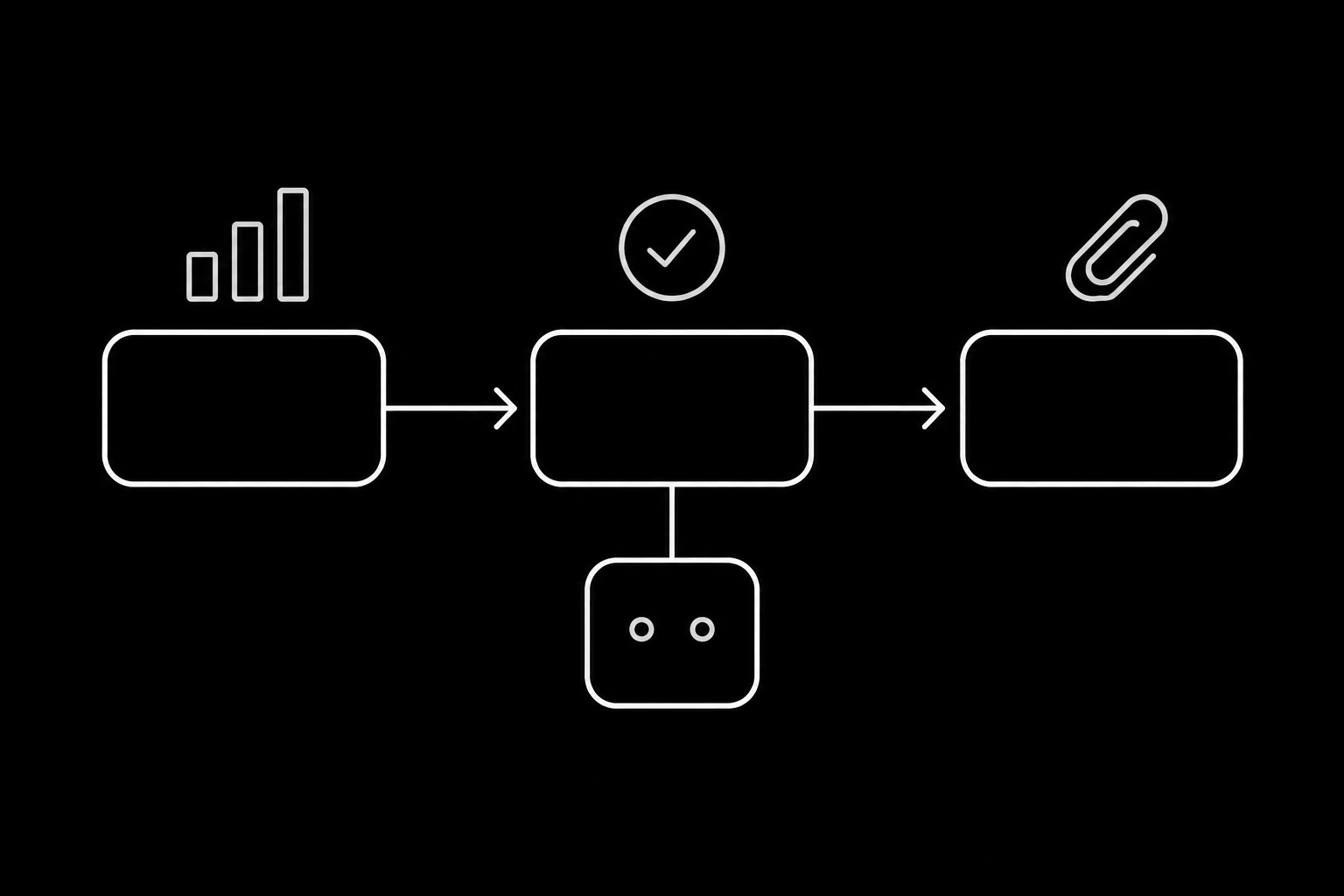
The status update. Pulled from your project tool rather than written from memory: what shipped, what is in progress, what is blocked and on whom. Sent on a rhythm the client agreed to, and skipped when nothing changed, because a status email with no news trains people to stop reading.
The approval chase. Something is waiting on the client, and it has been waiting four days. One reminder with the specific item and a direct link, then escalation to the account lead rather than a fifth nudge, per the cadence discipline in an AI agent for lead follow-up.
Asset and detail collection. Logos, copy, product photos, legal sign-off, the font licence nobody can find. This is where projects actually stall, and an agent that asks precisely and keeps a running list of what is outstanding removes a surprising amount of drag.
What must stay with the humans
| Topic | Why |
|---|---|
| Scope, timelines, and anything with a fee attached | Commercial, and email can create commitments |
| Creative rationale and pushback | The reason the client hired people |
| Bad news of any kind | Missed dates, budget overruns, mistakes |
| Anything from a client who is unhappy | Relationship, not logistics |
| Contracts and renewals | Legal and commercial |
The third row is the one to encode carefully. An agent reporting a slip in a cheerful status format is worse than silence, because it reads as though nobody noticed it was a problem. Make "the project is late" a trigger that stops the update and pages the account lead, rather than a field in a template.
Where the update comes from
The whole thing works or fails on this: the agent reads project state from your tracker at send time, and never from what it wrote last week. A status email assembled from stale data is worse than no status email, because the client acts on it.
The pattern is the same as everywhere else in agent email: your systems are the truth about now, the thread is what was said, and the contact record is what you know about the person, per where each piece of an agent's state belongs.
send_email {
  to: ["client@brand.com"],
  subject: "Rebrand, week of 3 August",
  body: "Shipped: homepage design v2, three social templates.\n\nIn progress: motion tests, due Thursday.\n\nWaiting on you: the legal sign-off on the tagline, since Tuesday. Everything after the launch page depends on it."
}
Three sections, one of which is a specific ask with a consequence attached. That last line is what converts a status email into a thing that moves.

Multiple people, one thread
Agency threads have several clients on them and several of your own team, which makes the etiquette rules matter more here than in most use cases: reply-all by default, stop talking when a human replies, and never add someone to a live thread, since that exposes the history to them. All three are in when an agent and a person are on the same thread.
One agency-specific addition: when a client copies in someone new, that is often a signal rather than an administrative act. A procurement contact appearing on a thread about a project change is worth flagging to the account lead rather than answering.
Per client, not per agency
If you run agents for several clients, keep them separate: an identity per client, so nothing from one client's threads can surface in another's, and so an agent can be turned off for one account without touching the rest. The reasoning and the shape are in running several email agents in one workspace, and for agencies with many small clients, inbox per tenant is the same design one level up.
What changes
The measurable effect is that updates go out when they were meant to, chases happen on the day rather than when someone remembers, and the outstanding-assets list stops living in one person's head. The second effect is on your team: account managers stop being a routing layer and spend their attention on the pile that needs judgement.
The thing that does not change is the relationship. Clients still want a person for the conversations that matter, and an agency that automates those has automated the wrong pile.
Questions
- What agency email can an AI agent handle?
- Status updates assembled from your project tracker, approval chases, and collecting outstanding assets and details. Not scope, fees, creative rationale, bad news, or unhappy clients.
- How does it avoid sending stale status?
- By reading project state at send time from the tracker rather than from its own previous message, and by skipping the update entirely when nothing changed.
- How many times should it chase an approval?
- Once, specifically, with the item and a link, then escalate to the account lead. A fifth nudge damages the relationship the agency is built on.
- What about bad news?
- It stops the update and pages a person. An agent reporting a missed date in a cheerful template reads as though nobody noticed, which is worse than silence.
- Should each client have their own agent?
- Yes. An identity per client keeps threads isolated and lets you turn one account off without touching the others.
- What happens when the client adds someone new to a thread?
- Continue, but flag it. A new name on a thread about a change is often a signal, and it is worth a person's attention rather than an automatic answer.
Give your agent an address it can answer from.
Create an inbox