Deliverability for agent senders: SPF, DKIM, DMARC, and behaviour
There are two questions a receiving mail server asks about your message. Is this really from who it claims to be from, and do we want mail like this. The first is a DNS problem with a known answer. The second is a reputation problem, and it is the one that quietly kills agent projects three weeks in.
7 min read

Send from a subdomain
Which lane your agent's mail belongs in, and why a campaign tool is the wrong home for it, is in transactional, marketing, conversational.
Put agents on something like agents.yourcompany.com rather than the domain your people send from. Reputation is tracked per sending domain, so a subdomain gives agent traffic its own record. If an agent has a bad week, your invoices and your recruiters are not caught in it. It also makes filtering rules on the recipient side more predictable, and it makes the address itself honest about what is on the other end.
Adding one is a set of DNS records and a verification step, covered in domains: an ownership TXT, an MX for inbound, SPF, DMARC, and three DKIM CNAMEs issued when you add the domain. Before you own a domain at all, a workspace gets a working mcpmailer.email subdomain so you can build the whole flow first.
The records, and the one people get wrong
| Record | Answers | Failure looks like |
|---|---|---|
| SPF | Which servers may send for this domain | Soft fails: mail accepted but scored down |
| DKIM | Was this message signed by the domain and unmodified | Signature breaks on forwarding or rewriting |
| DMARC | What to do when SPF or DKIM does not align | Policy left at none forever, so nothing is enforced |
Alignment is the part people miss. SPF and DKIM can both pass while DMARC still fails, because DMARC checks that the passing domain matches the visible From address. If your From says agents.yourcompany.com, the signing domain has to line up with it. A message that passes SPF for a provider's bounce domain but carries your address in From is exactly the shape DMARC exists to catch.
Start DMARC at p=none with a reporting address, read the reports for a week or two, then move to quarantine and finally reject. Going straight to reject before you know what else sends as your domain is how legitimate mail disappears.
_dmarc.agents.yourcompany.com TXT "v=DMARC1; p=none; rua=mailto:dmarc@yourcompany.com; fo=1"Two more that cost nothing and help. Publish a valid reverse DNS on your sending IP if you control it, which most people using a provider do not need to worry about. And keep the From address one that can actually receive mail: a no-reply address on an agent inbox is both rude and a small negative signal, and it defeats the entire point of an agent that can hold a conversation.
The requirements Gmail and Yahoo now enforce, rather than merely publish, are in the requirements Gmail and Yahoo now enforce.
Warm up, even if it feels silly
A brand new subdomain has no reputation, and no reputation is treated with suspicion. Send small for the first weeks and prefer traffic that generates replies, because replies are the strongest positive signal a mailbox provider can observe.
This is a good argument for shipping an inbound use case before an outbound one. A support agent answering forwarded mail warms a domain naturally: every message is a reply, to a person who wrote first, who then reads it. Two weeks of that is worth more than any warmup schedule you can buy.
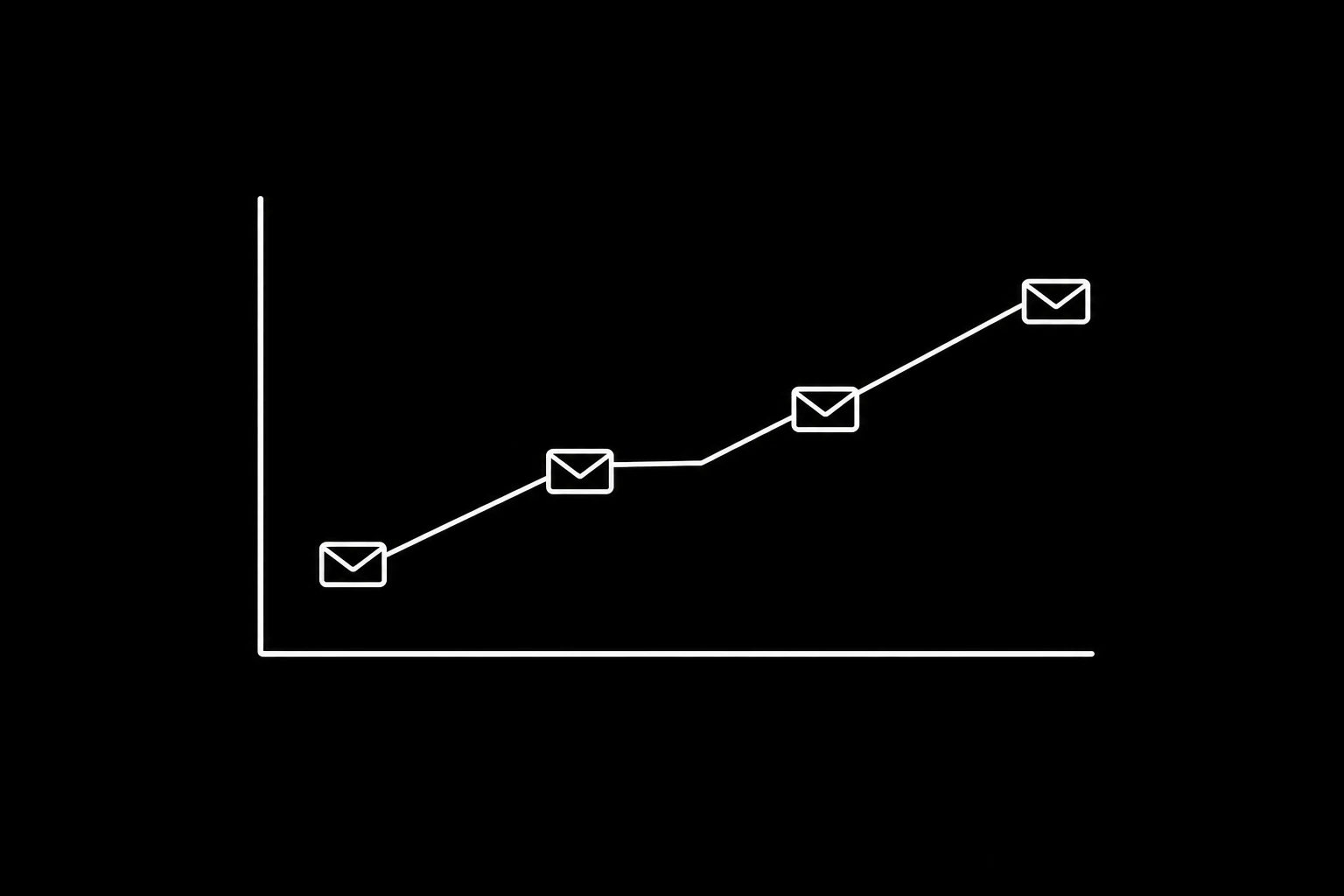
There is no universal number, but a workable shape is: start in the low tens per day, roughly double weekly while bounces stay near zero and complaints stay at zero, and pause the ramp for a week whenever either moves. Watch per-provider, not just in aggregate, because Gmail and Microsoft can disagree sharply about you.
The behaviours that get agents filtered
- Near-identical bodies to many recipients. Templating with a first name swapped in is still bulk to a content filter.
- Large recipient lists per message. MCPmailer caps this at five for exactly this reason.
- Sending to addresses that were scraped, guessed, or inferred. Hard bounces damage reputation fast, and spam traps end the conversation entirely.
- Ignoring unsubscribes and complaints. One complaint is noise, a complaint rate is a verdict.
- Retry storms after a 4xx. Backing off is part of being a good sender, and a 429 from us carries retry-after in seconds precisely so an agent can do it properly.
- Link and image patterns that look like marketing. Tracking pixels, shortened links, and heavy HTML all push a message toward the promotions bucket. Agent mail should look like a person wrote it, because in shape it is.
The structural defence is to treat replies and cold sends as different operations. A reply is invited and arrives in a thread the recipient started. First contact is not invited, so it should be visible, metered, and cheap to stop. MCPmailer classifies every send: a cold one carries an unsubscribe link and is watched by the duplicate-content and velocity tripwires, and both kinds draw down the same daily and monthly allowance. The reasoning is in keeping an autonomous agent from becoming a spam problem.
If the damage is already done, the repair schedule is in getting a damaged sending domain back.
Handle bounces and complaints as events, not as noise
Every bounce and complaint should update your own state. Suppress the address, stop the agent trying again, and let a human see the pattern. Webhooks make this concrete: message.bounced, message.complained, and message.filtered arrive as signed POSTs, so your system reacts without polling. Setup is in webhooks.
{
  "type": "message.bounced",
  "message_id": "msg_...",
  "to": "typo@custmoer.com",
  "reason": "mailbox_not_found",
  "permanent": true
}
A permanent bounce means never send there again. Suppression lists exist so that rule is enforced by infrastructure rather than by an agent remembering, which is the right place for any rule whose violation is expensive. The four rejection signals and what each one requires are in bounces, complaints, and suppression.
Soft bounces are different and deserve patience: a full mailbox or a temporary defer is not a reason to remove someone, and treating it as one loses you real recipients.
Diagnosing "it went to spam"
Work down this list in order. Most reports resolve in the first three steps.
- Check authentication on the actual message. View the raw headers of a delivered copy and confirm SPF, DKIM, and DMARC all pass and align. This eliminates most cases immediately.
- Check where it landed and for whom. One recipient's rule is not a reputation problem. A whole provider is.
- Check the domain's history. New subdomain, or a spike in volume in the last few days.
- Read the message as a stranger. Whether a filter can tell an agent wrote it, and what it actually reacts to, is in do spam filters catch AI-written email. Would a filter call this bulk? Repeated phrasing across recipients, marketing-shaped links, and a subject line that promises rather than describes all hurt.
- Check bounce and complaint rates for the same period. Deliverability problems usually arrive after a period of sloppy targeting, not before.
- Then, and only then, consider content tweaks. Content is the last lever, not the first.
A short checklist
- Dedicated sending subdomain for agents, with its records published and verified.
- SPF, DKIM, and DMARC verified, with alignment confirmed on a real message.
- DMARC at none with reports, then quarantine, then reject.
- Inbound or reply traffic first, cold outreach later.
- Cold sends metered, reviewable, and carrying a working unsubscribe.
- Bounces and complaints suppressed automatically.
- A From address that can receive mail.
- A human reading the dashboard weekly.
Questions
- Why does my agent email go to spam?
- Most often unauthenticated or unaligned sending, a domain with no history, or bulk-looking behaviour such as many near-identical messages. Check SPF, DKIM, and DMARC alignment on a real delivered message first; that resolves the majority of cases.
- Do I need a separate domain for agents?
- A subdomain is enough and is usually better. It isolates agent sending reputation from the mail your team sends while keeping your brand in the address.
- What DMARC policy should I start with?
p=nonewith anruareporting address. Read reports for a couple of weeks, then move to quarantine and eventually reject once you know every legitimate sender for the domain.- How fast can I ramp sending volume?
- Slowly, and biased toward mail that gets replies. Doubling weekly from a small base while bounces stay near zero and complaints stay at zero is a sane shape. Pause the ramp the moment either moves.
- Does DKIM survive forwarding?
- Often not. Forwarders that modify the message break the signature, which can take DMARC alignment down with it. This is one of the reasons a forwarding alias is a weak foundation for an agent, as covered in agent inbox or shared mailbox.
- What bounce rate is too high?
- Anything sustained above a fraction of a percent on hard bounces suggests your addresses are not coming from real conversations. Fix the source rather than the sending.
Give your agent an address it can answer from.
Create an inbox