Putting an agent on an inbox that already has traffic
Most advice about starting an agent assumes a clean slate: a new address, a narrow category, nobody watching. Real inboxes are not like that. Customers already write to `support@`, they expect a certain response time, there is a decade of history, and three colleagues are working it right now.
5 min read
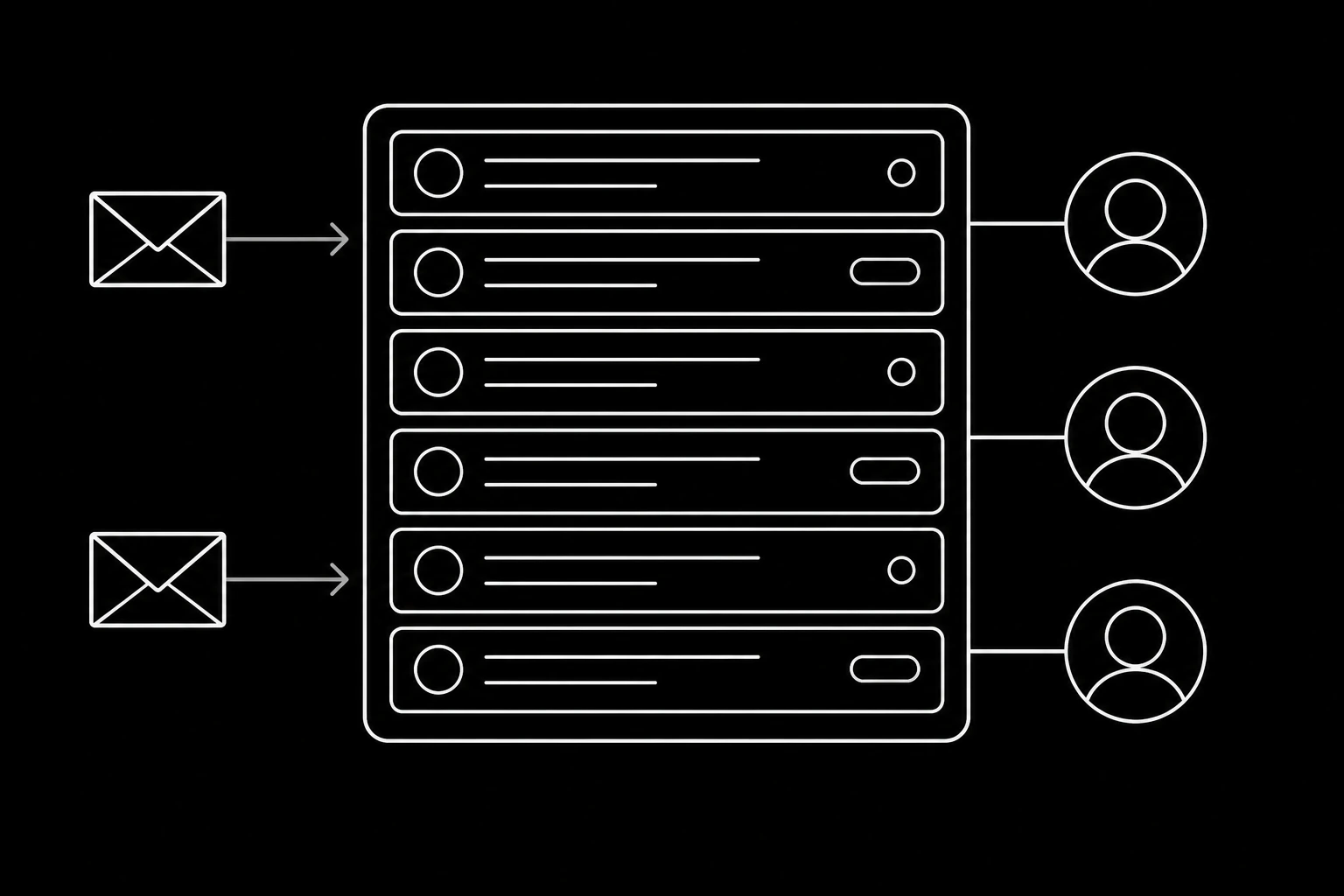
Moving that is a different job, and it is mostly about sequencing.
Do not point it at the whole inbox
The failure mode is obvious in hindsight: an agent placed on a live inbox on day one meets every category at once, including the ones nobody analysed, and the first bad reply goes to a real customer.
Split before you switch. Route one category to the agent while everything else continues exactly as it does now, per deciding what reaches your agent. Which category depends on your mail, but the criteria are constant: high volume, documented answers, and a low cost of being slightly wrong.
Four ways to split a live inbox
| Method | How | Best when |
|---|---|---|
| Forward by rule | A filter in your current system forwards matching mail | You can match reliably on subject or sender |
| Publish a new address | Order questions go to a new address on your site | The category has a natural entry point |
| Triage in front | Everything hits a classifier that routes, agent or human | Categories are only distinguishable by content |
| Time-boxed | The agent takes everything outside working hours | Coverage is the actual problem |
The last one is underused and often the best first step: the agent answers what it can overnight, a person reviews every thread in the morning, and nothing changes during the day when your team is there anyway. Low risk, immediately visible benefit, and a week of real evidence.
History, and what the agent needs from it
The archive is useful and does not need migrating. Two things are worth extracting rather than importing.
The actual question distribution. Read a week and count. Most teams are wrong about what their inbox contains, usually because the annoying categories feel bigger than they are. This tells you which category to start with and gives you the golden threads, per evaluating an email agent.
Contacts. Existing correspondents with their known facts, so the agent does not start every relationship from zero. Import the address book, not the mail.
The mail itself stays where it is. Migrating years of threads creates a data protection question you did not have, and the agent's context comes from the thread it is in, per where each piece of an agent's state belongs.
The expectations problem
An inbox with traffic has a published or implied response time and people who are used to a particular voice. Two consequences.
Do not announce it. Nobody needs a message saying you have deployed an AI. What matters is that individual replies identify themselves as coming from an assistant with a route to a person, per what goes at the bottom of an agent's email. A broadcast invites a reaction to the idea rather than the work.
Do not promise the new speed yet. The agent answers in seconds and escalations still run on your team's clock, so keep the published target where it is until you know the escalation rate, per setting response time targets you can actually keep.

Your team is the other migration
The colleagues working that inbox will meet the agent as either a tool or a threat, and which one depends entirely on how it arrives.
Involve them in choosing the first category, since they know which questions they are tired of. Give them the review job rather than doing it yourself, because they are better at spotting a wrong answer. And be straight about what happens to the workload, per what your team does once the agent handles the easy half.
Practically: a team that believes the agent is there to help them will report its mistakes, and a team that does not will let it fail quietly. That is not a morale point, it is your quality signal.
The rollback plan, written down first
Because it is a live inbox, decide before you start what makes you stop, and make sure stopping is one change.
- A wrong answer that reached a customer with consequences.
- Correction rate above a few percent after two rounds of fixes.
- Escalations piling up beyond your response target.
- Any complaint or bounce movement.
Rolling a category back to human handling is a normal decision, and it should take one config change: remove the forwarding rule, and the inbox is exactly as it was. That property is what makes the whole thing safe to attempt on a real inbox.
A four week sequence
- Week 0. Read a week of mail, count the categories, pick one, extract golden threads, import contacts.
- Week 1. Route that category, or take out-of-hours only. Read every thread daily.
- Week 2. Fix the systematic failures, add each to the golden set, widen the hours or the category slightly.
- Week 3. Start measuring correction rate and escalation precision as numbers.
- Week 4. Decide the next category on evidence, and only now consider revising your published response time.
Same shape as the first week with an email agent, stretched, because a live inbox does not give you the luxury of a quiet start.
Questions
- Can I put an agent on my existing support inbox?
- Yes, but not on all of it at once. Route one category to the agent while everything else continues unchanged, so the change is reversible with one rule.
- What is the safest first step on a live inbox?
- Out-of-hours only. The agent answers what it can overnight, a person reviews every thread in the morning, and nothing changes while your team is working.
- Should I migrate the email history?
- No. Import the contacts so the agent starts informed, and leave the mail where it is. Migrating years of threads creates a data protection question you did not have.
- Should I tell customers?
- Not with an announcement. Individual replies should identify the sender as an assistant with a route to a person, which is disclosure without inviting a reaction to the idea.
- When should I change my published response time?
- After you know the escalation rate, since escalations run on your team's clock rather than the agent's. Keep the old target until the evidence supports a new one.
- What does rollback look like?
- Removing one forwarding rule, which returns the inbox to exactly what it was. If rollback is harder than that, the split was wrong.
Give your agent an address it can answer from.
Create an inbox