Test inboxes for agent development, without mocking email
Email is the part of an agent that teams test least and break most, because the usual options are unappealing: mock it and you test your mock, or send real mail and hope nothing reaches a customer. Neither tells you whether the agent would have answered correctly.
5 min read
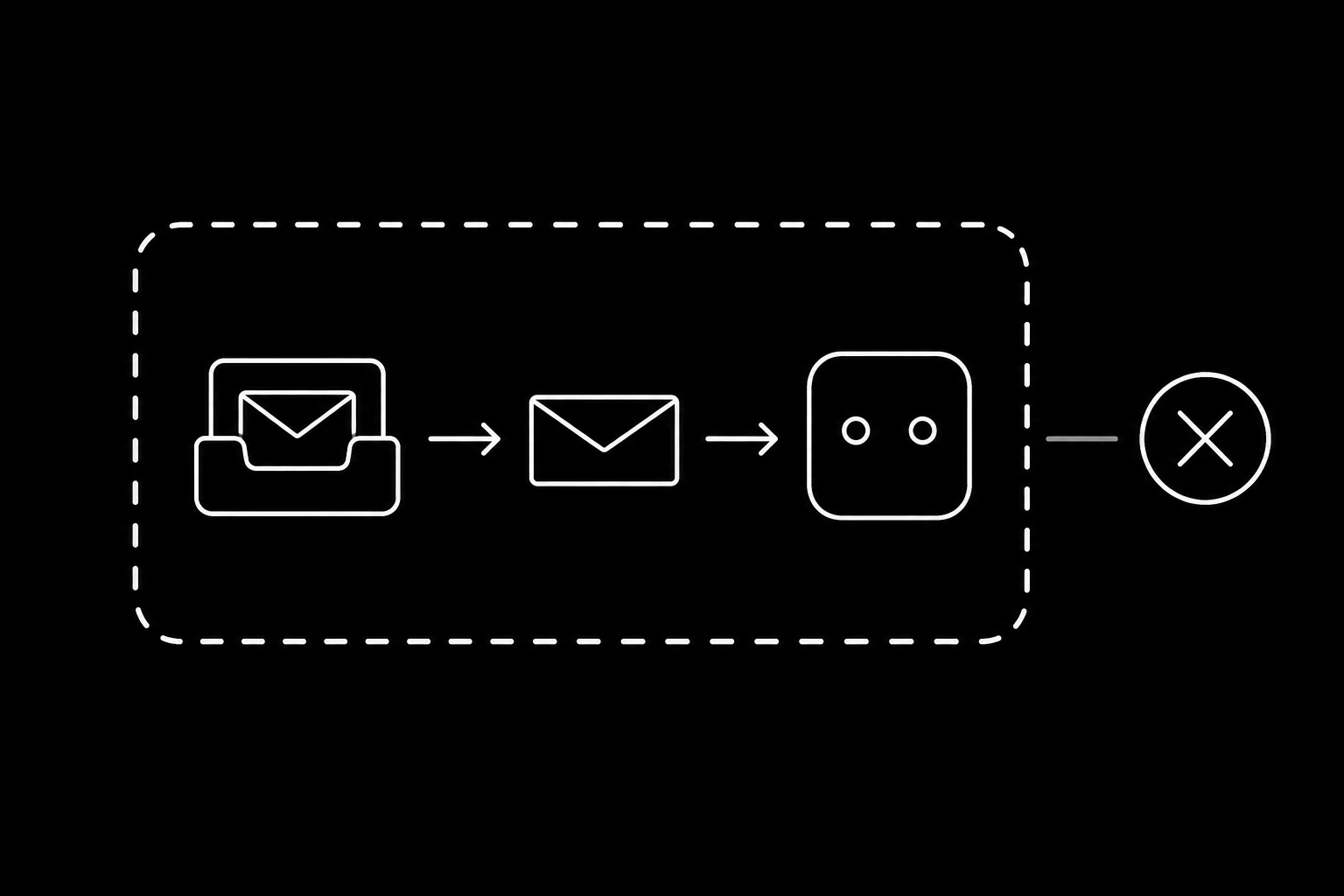
What you are actually testing
Three different things, and conflating them is why email testing gets a bad reputation.
Delivery. Does mail leave, arrive, and authenticate. This is infrastructure, it changes rarely, and it needs real sending against real records once, not on every commit. Covered in SPF, DKIM, and DMARC for an agent subdomain.
Agent behaviour. Given this thread and this contact, does the agent reply correctly, escalate, or wait. This is the part that changes daily and deserves a suite, described in evaluating an email agent.
Integration. Does your code parse the webhook, verify the signature, remain idempotent under retries, and handle a refusal. This is ordinary software testing that happens to involve mail.
Most teams need a fast loop for the second and third, and a slow, occasional check for the first.
An inbox per test run
The pattern that works: provision a fresh identity for the run, exercise it, assert, discard.
Because an agent can provision itself, a CI job can create a workspace and a key at the start of a run, without a human, a shared credential in your secrets store, or a fixed address that accumulates state between runs. A test that reuses one long-lived inbox eventually fails for reasons that have nothing to do with the change under test, usually a message left behind by an earlier run.
Two rules keep it clean. Put the test identity in whitelist mode so nothing external can reach it, and only allow addresses you control. And make the run's assertions about actions, not wording: which tool was called, who was written to, whether it escalated. Wording changes constantly and asserting on it produces a suite nobody trusts.
Trapped sandboxes versus real inboxes
There are two philosophies, and they answer different questions.
| Trapping sandbox | Real inbox, isolated | |
|---|---|---|
| What happens to mail | Captured, never delivered | Delivered to an address you own |
| Tests delivery | No | Yes |
| Tests threading and headers | Approximately | Exactly |
| Risk of reaching a customer | None | Prevented by rules, not by design |
| Good for | Rendering, link checking, template QA | Agent behaviour, integration, end to end |
A trapping sandbox like Mailtrap is the right tool for checking how a template renders across clients. What it cannot tell you is whether your agent holds a conversation correctly, because the thing being tested is the conversation, and a trap does not have one. Tools built for disposable addresses in test suites, such as MailSlurp, sit closer to what an agent needs, though they are built around test automation rather than around an agent that has to keep a durable identity and memory.
The distinction that matters for agents: a test inbox that cannot hold a thread, remember a contact, or refuse a send the way production would is not exercising the code paths you care about.
Replaying real conversations
The highest value test data is mail you have already received. Take twenty real threads, anonymise them, and store them as fixtures with the expected action. Replaying those into a whitelisted test identity is the closest thing to a regression suite an email agent can have, and it catches the failures unit tests never do: the agent that answers the last message instead of the thread, the one that asks for an order number it was already given, the one that stops escalating after a prompt change.
Keep the fixtures ugly on purpose. Include a forwarded chain, a top-posted reply, an out of office, a one-word answer, and a message whose body contains instructions aimed at the agent, per prompt injection by email.

Testing the integration without sending anything
Much of what breaks is on your side of the webhook, and none of it needs mail to move.
- Signature verification. Post a body with a wrong signature and assert a 401. Post a correct one and assert a 200.
- Idempotency. Deliver the same
message.receivedevent twice and assert exactly one reply was attempted. Retries are a feature and duplicates are guaranteed. - Refusal handling. Simulate
daily_send_quota_exhausted,monthly_spend_cap_reached, andrecipient_suppressedand assert your agent waits or escalates rather than retrying. - Rate limits. Simulate a 429 with retry-after and assert you honour it.
Those four cover the majority of production incidents in email integrations, and all of them are fast, deterministic tests. The shell-script versions, including a synthetic reachability check, are in driving an agent's inbox from the terminal. More detail in webhooks or polling.
Local development
Webhooks need a public URL, which a laptop does not have. Rather than a third-party tunnel and a new address on every restart, every identity has a stable hostname at <handle>.mcpmailerwire.com that forwards inbound HTTP to wherever the agent is actually running, through a connection the agent holds open.
import { connect } from '@mcpmailer/sdk';

await connect({ handle: 'scout', target: 'http://localhost:3000' });
// https://scout.mcpmailerwire.com now reaches your local server
Only the key belonging to that handle can bring its tunnel up, the hostname survives restarts and network changes, and a request with nothing connected gets a 502 saying so rather than hanging. Details in tunnels.
What to run where
- On every commit: integration tests with simulated events, and the golden thread suite against a whitelisted identity.
- On every deploy: one real send to an address you own, checking authentication headers.
- Weekly: a human reading fifteen production threads. No suite replaces this.
- Never: tests that send to addresses you do not control. A typo in a fixture should not be able to email a stranger.
Questions
- How do I get a test email address for automated tests?
- Provision one per run. An agent can create its own workspace and key through self-signup, so CI gets a fresh isolated inbox without a shared credential or a long-lived address that accumulates state.
- Should I mock email in tests?
- Mock the transport for unit tests if you like, but agent behaviour needs a real thread: threading, quoted history, and contact memory are the things that break, and a mock reproduces none of them.
- What is the difference between a trapping sandbox and a test inbox?
- A trap captures mail and never delivers it, which is ideal for template rendering and useless for conversations. A real isolated inbox delivers to an address you own, so threading, replies, and refusals behave as they will in production.
- How do I stop a test sending to a real customer?
- Run test identities in whitelist mode so only addresses you control can be reached, and keep fixtures free of real addresses. Rules enforce it rather than convention.
- How do I test webhook handling?
- Post crafted events at your handler: wrong signature, duplicate delivery, and each refusal reason. Those four cases account for most production incidents and none of them need mail to move.
- Can I run webhooks against localhost?
- Yes, through the tunnel each identity gets at
<handle>.mcpmailerwire.com, which forwards to wherever you are running and survives restarts.
Give your agent an address it can answer from.
Create an inbox