It sent the wrong thing. Now what
Somebody forwards you a reply your agent sent and asks what happened. The instinct is to open the prompt and start rewriting, which is usually wrong, because most bad replies are not prompt failures and rewriting hides the actual cause.
4 min read
Here is the order that finds it fastest.
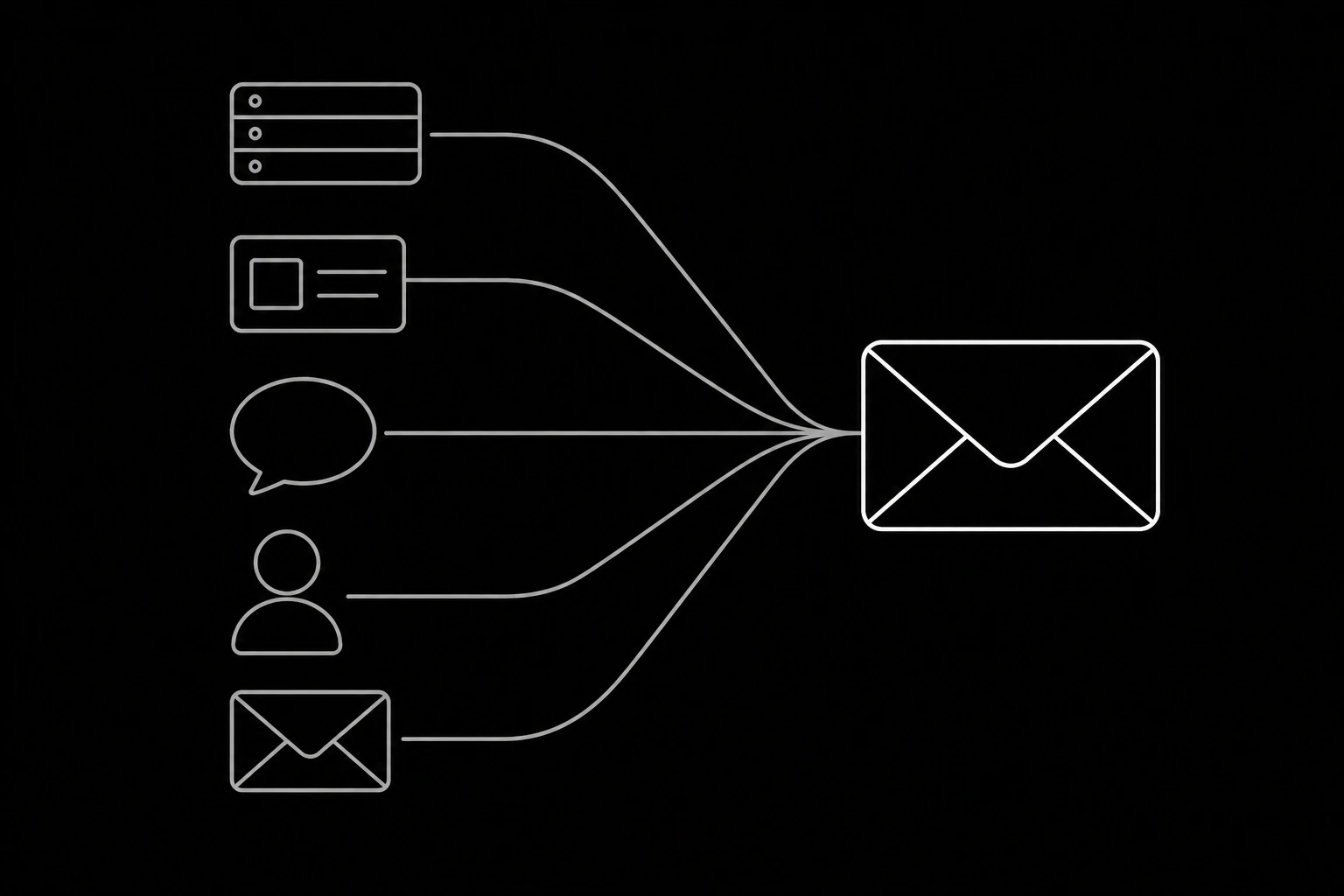
Start with what the agent saw
Not the reply. The input.
Pull the thread as get_thread returned it, the contact record as it was, and the tool results from that run. Nine times in ten the answer is visible immediately: the thread was truncated, the contact lookup returned nothing, or a tool returned stale data and the agent faithfully repeated it.
This is why the trace matters more than the log. Ids, tool calls, results, and the decision, per what to monitor when an agent is answering your mail. If your trace does not let you reconstruct the inputs, that is the first thing to fix, and it is a bigger win than any individual bug.
The five causes, and their fingerprints
| Symptom | Likely cause | Where to look |
|---|---|---|
| Answered a different question | Read the message, not the thread | Tool call order in the trace |
| Asked for something already provided | Contact lookup missing or empty | Whether lookup_contact ran, and what it returned |
| Confident and false | Ungrounded claim | Whether any tool result supports the claim |
| Right answer, wrong recipient | Composed instead of replying | Whether reply_all or a send was used |
| Two replies to one message | Not idempotent | Whether the same message id was handled twice |
Four of those five are visible without reading the reply at all, which is the point: the trace tells you more than the output does.
Reproduce before you change anything
Once you have the inputs, replay them. Same thread, same contact, same tool results, and see whether the behaviour repeats.
It repeats. Good. You have a deterministic bug and a new fixture for the suite, per a test suite for an agent that writes email.
It does not. The interesting case. Either something about the inputs differed from what you reconstructed, or the behaviour is genuinely variable, which usually means the instruction is ambiguous rather than that models are mysterious. Run it a few times: a case that goes wrong two times in ten is an ambiguity to remove, not a fluke to ignore.
Only after reproducing should you touch anything.
Fix at the right layer
The most common mistake in this whole process is fixing a tooling problem in the prompt.
Prompt fixes tone, structure, and ordering habits. Legitimate when the answer was right but badly phrased, or when the agent skipped a step it was told to take.
Tools fix wrong or missing facts. If a claim was ungrounded, the fix is a tool that returns the fact, or a rule that escalates without it, per designing the tools your email agent calls.
Code fixes anything that must never happen. Double sends, wrong recipients, actions above a limit. These are gates, not requests.
Documentation fixes the largest category over time. If the agent could not ground an answer because nothing says it, no amount of prompting helps, per writing documentation an agent can actually answer from.
Do not put message bodies in your logs
The temptation while debugging is to log everything. Resist it, because a debug log full of customer mail is a retention and privacy problem that outlives the bug by years, per sending the model less than you think it needs.
Log ids, tool names, tool results if they are not personal data, decisions, and refusal reasons. When you need the content, read it in the dashboard where access is already controlled and audited. That is slightly slower once and materially safer forever.
Common non-bugs
Three things that look like agent failures and are not:
A refusal. recipient_suppressed or a quota reason is the system working. The bug, if any, is that the agent retried rather than escalating.
An escalation you disagree with. Check the rule before the model. Over-escalation is usually a threshold, not a misunderstanding.
Silence. No reply at all is more often a broken webhook, an expired key, or a stuck queue than a model problem, per webhooks or polling. Check whether the run happened before asking why it decided nothing.
Close the loop
Every reproduced bug becomes a fixture, every fix goes in at the layer that owns it, and the incident gets one line in the weekly log, per the weekly half hour that keeps an agent honest.
That last step is what stops the same bug being rediscovered in six weeks by somebody who was not there, which is otherwise exactly what happens.
Questions
- Where do I start when an agent sends a wrong reply?
- With the inputs, not the reply: the thread as it was fetched, the contact record, and the tool results from that run. Most causes are visible there immediately.
- What are the most common causes?
- Answering the message instead of the thread, a missing contact lookup, an ungrounded claim, composing instead of replying, and a non-idempotent handler sending twice.
- Should I change the prompt first?
- Usually not. Fix facts in tools, absolutes in code, and missing information in documentation. Prompt changes fix tone and ordering, and they hide everything else.
- What if I cannot reproduce it?
- Run it several times. A case that fails two times in ten is an ambiguous instruction rather than a fluke, and removing the ambiguity is the fix.
- Should I log message bodies while debugging?
- No. Log ids, tool calls, decisions, and refusal reasons, and read content in the dashboard where access is controlled. Debug logs of customer mail outlive the bug by years.
- The agent sent nothing at all. Where do I look?
- At whether the run happened: webhook delivery, key validity, and the queue. Silence is far more often infrastructure than a model decision.
Give your agent an address it can answer from.
Create an inbox