What to monitor when an agent is answering your mail
An email agent fails quietly. It does not throw an exception when it answers the wrong question, and it does not page anyone when it stops answering at all. Both of those cost customers, and both are visible hours before anyone complains if you are watching the right numbers.
5 min read
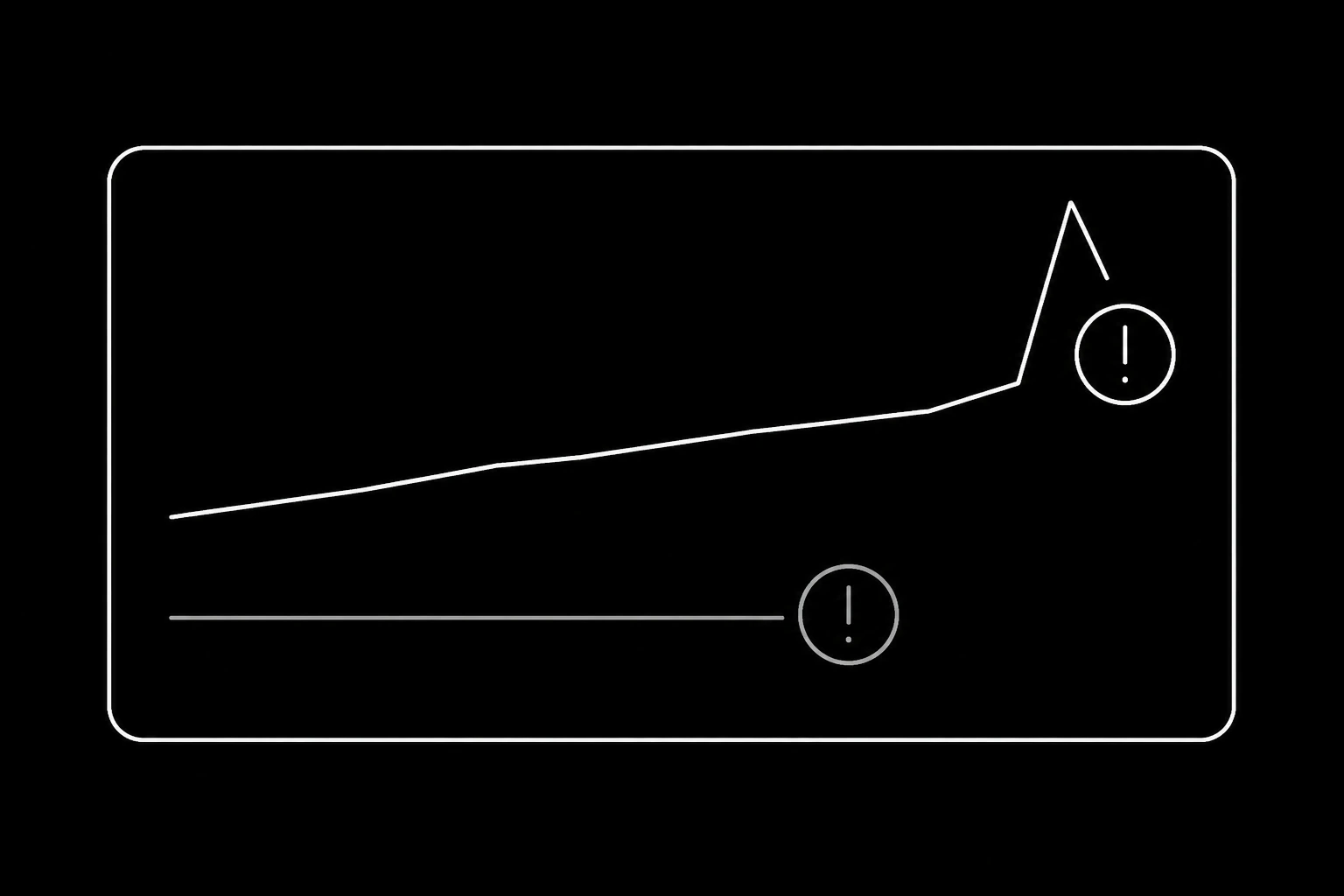
Alert on these five
First send to a domain you have never contacted. The highest-value alert in the whole system. It catches exfiltration attempts, a prompt change that turned an agent outbound, and a mistyped recipient, and on a healthy support or billing agent it fires almost never. See prompt injection by email.
Volume moving in either direction. A spike is a runaway loop. A collapse is a broken webhook, an expired key, or a queue that stopped draining, and a collapse is the one people miss because nothing looks wrong.
Bounce or complaint rate above zero. Hard bounces mean your addresses are not coming from real conversations. Complaints mean somebody did not want to hear from you. Both damage the domain, and both are cheap to catch early, per deliverability for agent senders.
Refusals, by reason. daily_send_quota_exhausted for a day is capacity planning. recipient_suppressed firing repeatedly means the agent is trying to reach someone it must not. monthly_spend_cap_reached means work is silently not happening.
Time to first response, at the tail. Averages hide the problem. Watch the 95th percentile, because that is where the customer who waited four hours lives.
Watch these without alerting
Some numbers are for reading weekly rather than paging on, because a single bad day means nothing and a trend means everything.
| Signal | What a move means |
|---|---|
| Correction rate | The agent is answering things it cannot ground |
| Escalation precision and recall | Rules drifting out of step with the mail arriving |
| Turns to resolution | Replies that are responsive in form and useless in substance |
| Repeat-question rate | Contact memory is not being written |
| Reply share of total sends | Drifting toward outbound, which is a different risk profile |
| Tokens per thread | Threads growing, or attachments being pushed through whole |
The definitions and how to compute them are in evaluating an email agent. The point of the split is that alerts should mean act now, and everything else belongs in a weekly read that a person actually does.
Trace one thread end to end
When something goes wrong, the question is always the same: what did the agent see, what did it decide, and why. Answering that needs three things joined by the message id.
- The inbound message and the thread as the agent fetched it.
- The decision: the action chosen, the source it grounded on, the tools it called, and any refusal it received.
- The outbound message, with its own id.
Log the ids, not the bodies. Message content is personal data, it is the most sensitive thing in the system, and a debug log full of customer mail is a liability that outlives the bug. Where you need the content to diagnose, read it in the dashboard, which is already access-controlled and audited, rather than copying it into a log aggregator.

The failures that produce no error
Four things that will never appear in an exception tracker.
The agent stopped being reachable. Nobody notices an inbox that receives nothing, because silence looks like a quiet day. Synthetic checks fix this: send a message to the agent from an address you control on a schedule and assert a reply arrives.
It is answering, but wrongly. No error, no bounce, just a customer who gives up. Correction rate and reopen rate are the only signals, which is why the weekly human read is not optional.
It is looping politely. Two agents, or an agent and an autoresponder, exchanging messages forever. Cap turns per thread and alert on any thread past the cap.
It is escalating everything. Technically safe, completely useless, and it shows up as a happy dashboard with an unhappy support team. Watch escalation precision.
What to keep, and for how long
Operational telemetry has a retention decision of its own, and the answer is shorter than most people default to. Ids, timings, actions, and refusal reasons are cheap and worth keeping for a few months. Anything containing message content should follow whatever retention you set for the mail itself, and the reasoning is in the compliance floor.
The audit trail in the product already records every message in and out against an identity, with its thread and the key that sent it. Your own telemetry should complement that rather than duplicate it: keep what your systems know and the product does not, which is the decision and the reasoning.
A monitoring setup that takes an afternoon
- Webhook handler emits a structured event per inbound message, keyed on message id.
- The agent emits one per decision: action, source, tools called, refusal if any.
- Alerts on the five signals above, routed to a person rather than a channel nobody reads.
- A synthetic message to each agent every hour from an address you own, alerting if no reply arrives.
- A weekly digest of the reading-only table, mailed to whoever owns each agent.
- Fifteen threads read by a human every week, per agent, forever.
Steps four and six are the ones that catch what nothing else does, and they are also the two most often skipped.
Questions
- What should I alert on for an AI email agent?
- First send to a new domain, volume moving sharply in either direction, any bounce or complaint movement, refusals grouped by reason, and the tail of time to first response.
- How do I notice an agent that has stopped working?
- A synthetic check: send it a message from an address you control on a schedule and assert a reply. Silence otherwise looks identical to a quiet inbox.
- Should I log message bodies?
- No. Log ids, actions, sources, and refusals. Bodies are personal data and a debug log full of customer mail is a liability that outlives the bug you were chasing.
- What catches a wrong but confident answer?
- Correction rate and reopen rate, plus a weekly human read of a sample of threads. No automated check reliably catches a fluent answer to the wrong question.
- How do I detect a loop between agents?
- Cap turns per thread and alert when a thread passes the cap. Two automated systems will otherwise correspond politely for as long as you let them.
- What retention should telemetry have?
- Ids, timings, and decisions for a few months. Anything containing message content follows the retention you set for the mail itself.
Give your agent an address it can answer from.
Create an inbox