Moving an agent off the Gmail API onto its own inbox
Most email agents start on the Gmail API, for the good reason that the mailbox already exists. The migration usually starts for one of three reasons: the second agent needs a second Google seat, an incident makes attribution matter, or someone asks why an agent holds a token that can send as a real person.
5 min read
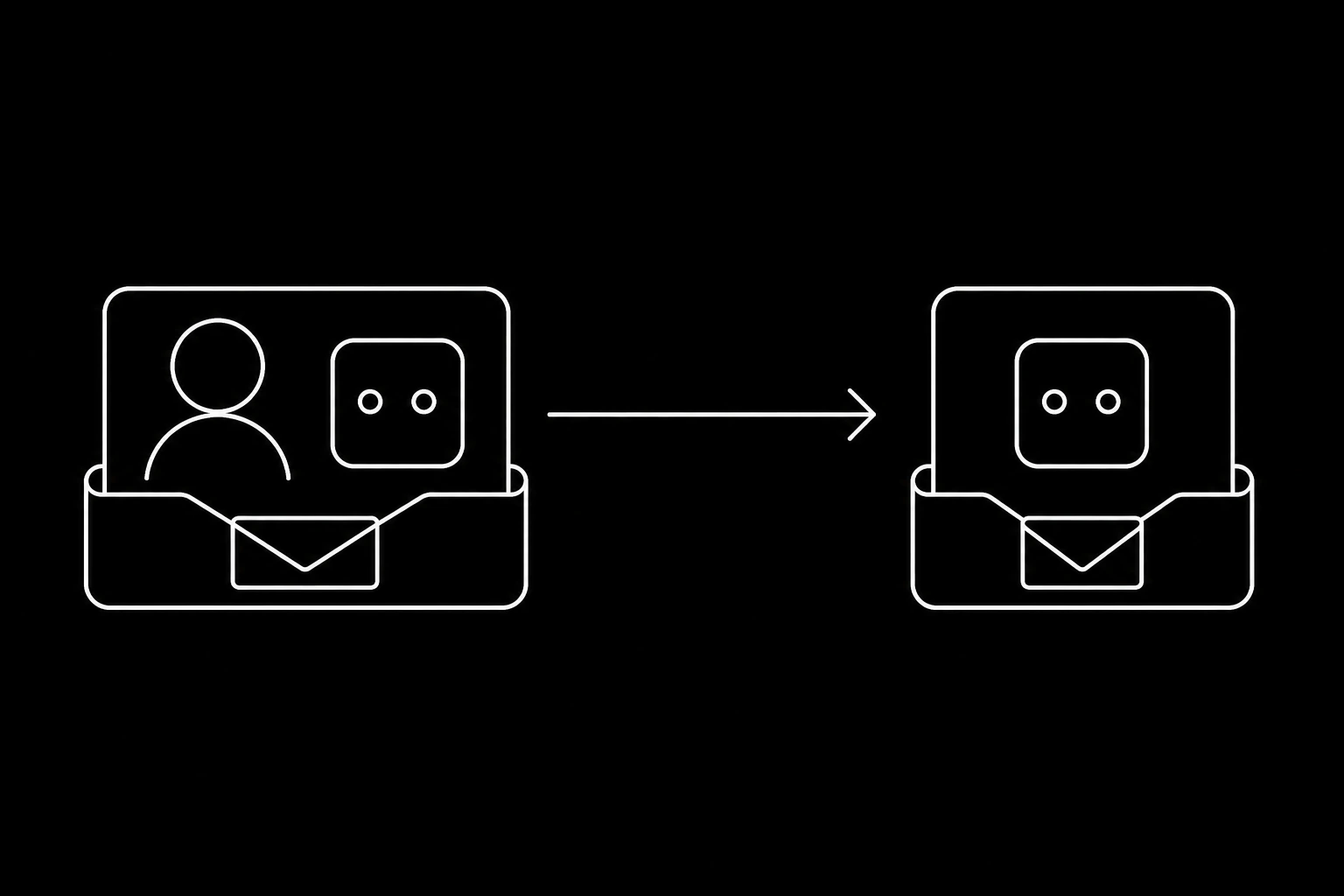
What actually pushes people off
Scope is the mailbox, not the agent. A token that can send can send as that mailbox to anyone. There is no distinction between replying and starting a conversation, no per-agent allowance, and no suppression list that outlives your own code.
Every agent needs a seat. Provider licensing assumes people. Five agents means five paid identities that exist to hold tokens, and the cost is annoying long before it is prohibitive.
Attribution is manual. Sent mail from the agent and from the person share a folder. After an incident, working out what the agent sent is archaeology, and that is exactly when you need it not to be.
You build the same six things. Threading, quoted-history stripping, waiting for a reply without a scheduler, bounce suppression, webhook idempotency, and an oversight surface a non-technical colleague can read. None of that is in the API, all of it is in your backlog. The full comparison, including forwarding aliases, is in agent inbox or shared mailbox, and there is a feature-level view at MCPmailer versus Gmail.
When staying is right
If the agent genuinely acts as one specific person, drafting in their mailbox and sending as them, the provider API is the correct tool and this migration is not for you. An executive assistant working inside its principal's mailbox should stay exactly where it is.
The migration is for the case where the agent is its own actor: it answers support mail, chases invoices, coordinates interviews. That agent should have an address of its own, its own reputation, and its own line in the audit trail.
Migrate one flow, not one system
There is no cutover, and attempting one is how you lose mail. The pattern that works takes about a fortnight of calendar time and very little effort.
- Create the identity on an agent subdomain, following the quickstart, and publish the domain's DNS records. Reputation for the new subdomain starts at zero, which is why step two matters.
- Point one narrow inbound flow at it. Order status questions, or invoice replies, or interview scheduling. Forward that category from the existing mailbox rather than redirecting everything.
- Run both paths at once. The old agent keeps doing what it does. Nothing is switched off, so nothing can break.
- Read a week of threads. Fix the prompt where answers are weak rather than wrong, and note anything the old integration was quietly handling that the new one is not.
- Publish the new address in the places the category is reached from: your help centre, your invoices, your signature blocks.
- Move the next flow, and repeat until the old integration only holds flows that genuinely belong to a person.
- Revoke the token and remove the seat.
The reply traffic in step two doubles as domain warmup, which is why starting with an inbound category rather than an outbound one is worth the discipline.

The four things people forget
History stays where it is. Old conversations remain in the old mailbox and that is fine. Migrating years of mail into a new identity buys you nothing and creates a data protection question you did not have. New conversations start in the new place, and the old mailbox stays readable.
The old address will keep receiving. People reply to the last message they have, so mail will arrive at the old address for months. Keep it alive and forwarding rather than deleting it, and only then remove the seat.
Anything the agent signed up for used the old address. Third-party accounts, verification, password resets. Re-register them against the agent's own address before the token goes, per login codes, 2FA, and verification email.
Your suppression list is yours. Whatever addresses you have learned not to contact should be carried across on day one. Bounces and complaints are expensive to relearn.
What changes in the code
Less than you expect, because the shape is the same. Where you called the provider's API, you call MCP tools or the REST API with a key scoped to the agent. Where you polled a history id, you take a message.received webhook. Where you reconstructed a thread from headers, you call get_thread. Where you built a scheduler to check for replies, you call wait_for_reply and delete the scheduler.
The deletions are the point. Most of a Gmail-based agent's code is compensating for the mailbox being a person's rather than the agent's, and that compensation goes away.
| Was | Becomes |
|---|---|
| OAuth token for a user's mailbox | Key scoped to one agent identity |
| History id polling | message.received webhook |
| Thread reassembly from headers | get_thread |
| Cron job checking for replies | wait_for_reply |
| Your own suppression table | Suppression enforced on send |
| A seat per agent | An identity per agent |
What to check before you revoke anything
- The new domain is verified and a real message authenticates correctly, per SPF, DKIM, and DMARC.
- A week of threads read end to end, with corrections made.
- The old address forwards, and has done for a full billing cycle of whatever it receives.
- Third-party accounts re-registered to the new address.
- Suppression list carried across.
- Someone owns the new identity and reads its mail weekly.
Then revoke the token, and notice that the seat you stop paying for was never the main saving. The main saving is that the next agent takes an afternoon instead of a project.
Questions
- Why move an AI agent off the Gmail API?
- Because a mailbox-scoped token cannot express what an agent needs: per-agent scope and revocation, a distinction between replies and first contact, its own sending reputation, and an audit trail that attributes each message.
- Should every agent move?
- No. An agent that genuinely acts as one specific person, drafting and sending inside their mailbox, belongs on the provider API. The move is for agents that are their own actor.
- Do I have to migrate old email?
- No, and you should not. History stays in the old mailbox, new conversations start in the new identity, and you avoid creating a data protection question you did not have.
- What happens to the old address?
- Keep it alive and forwarding for months, because people reply to the last message they hold. Remove the seat only once traffic to it has dried up.
- How long does the migration take?
- About a fortnight of calendar time for the first flow, mostly spent reading threads rather than writing code, then an afternoon per additional flow.
- What code changes?
- Mostly deletions: thread reassembly, reply polling, and your own suppression table are replaced by
get_thread,wait_for_reply, and suppression enforced on send.
Give your agent an address it can answer from.
Create an inbox