Agent inbox or shared mailbox: which one should your agent use
You can plug an agent into the inbox you already have. It works, right up until the second agent, the first incident, or the first time someone asks who sent that. Here are the four options people actually choose between, and what each one costs once the prototype becomes something you run.
6 min read
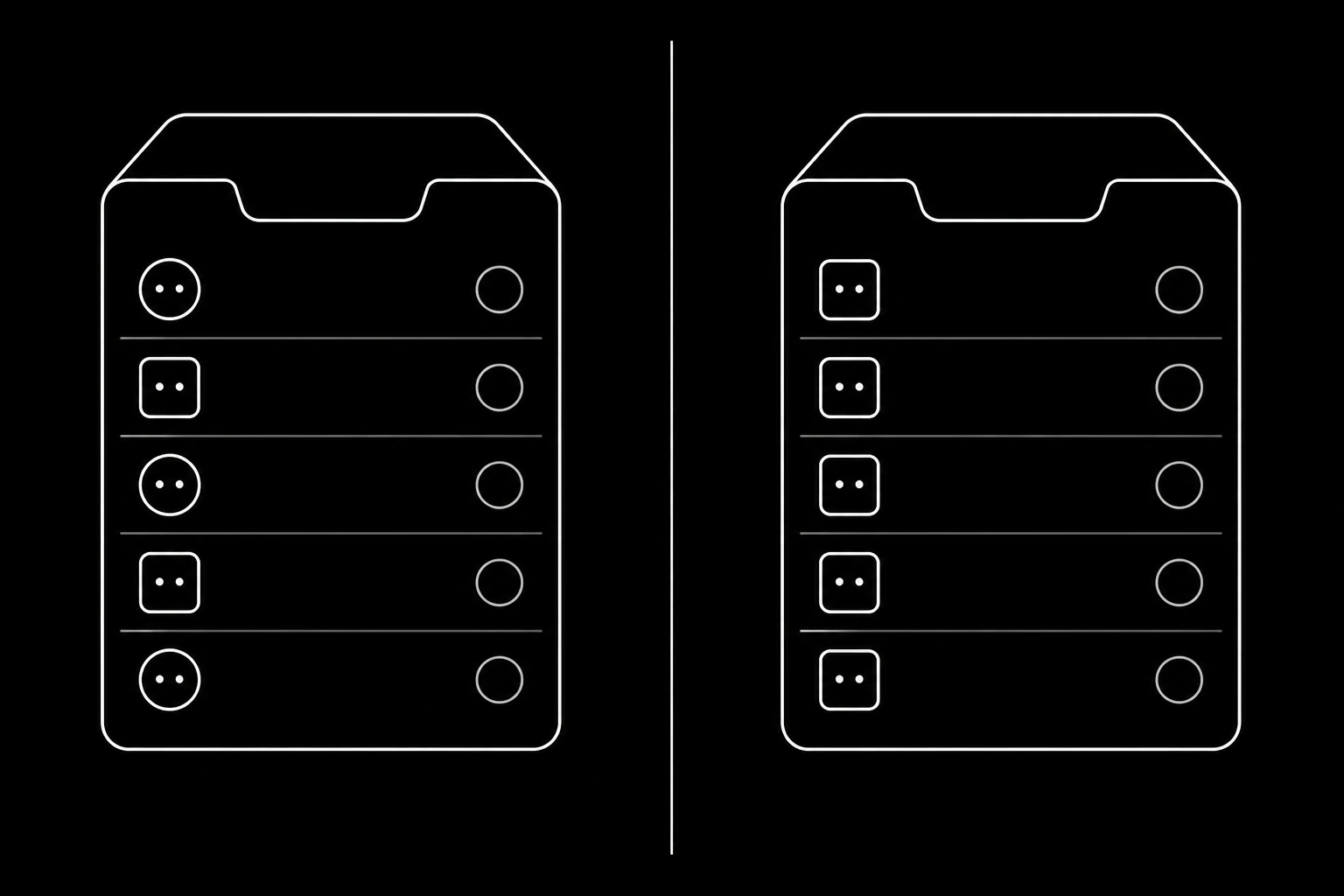
Option one: hand over shared mailbox credentials
You have support@yourcompany.com already. Create an app password, point the agent at IMAP and SMTP, and it can read and send today. Nothing to buy, nothing to configure.
What it costs. The credential grants everything, so there is no way to allow replying but not cold sending. Sent mail from the agent and from your team lands in the same folder, indistinguishable, so attribution after an incident becomes archaeology. Revoking access means rotating a password that humans also use. And your agent is now parsing MIME, reassembling threads from References headers, and stripping quoted history, which is work with no product in it.
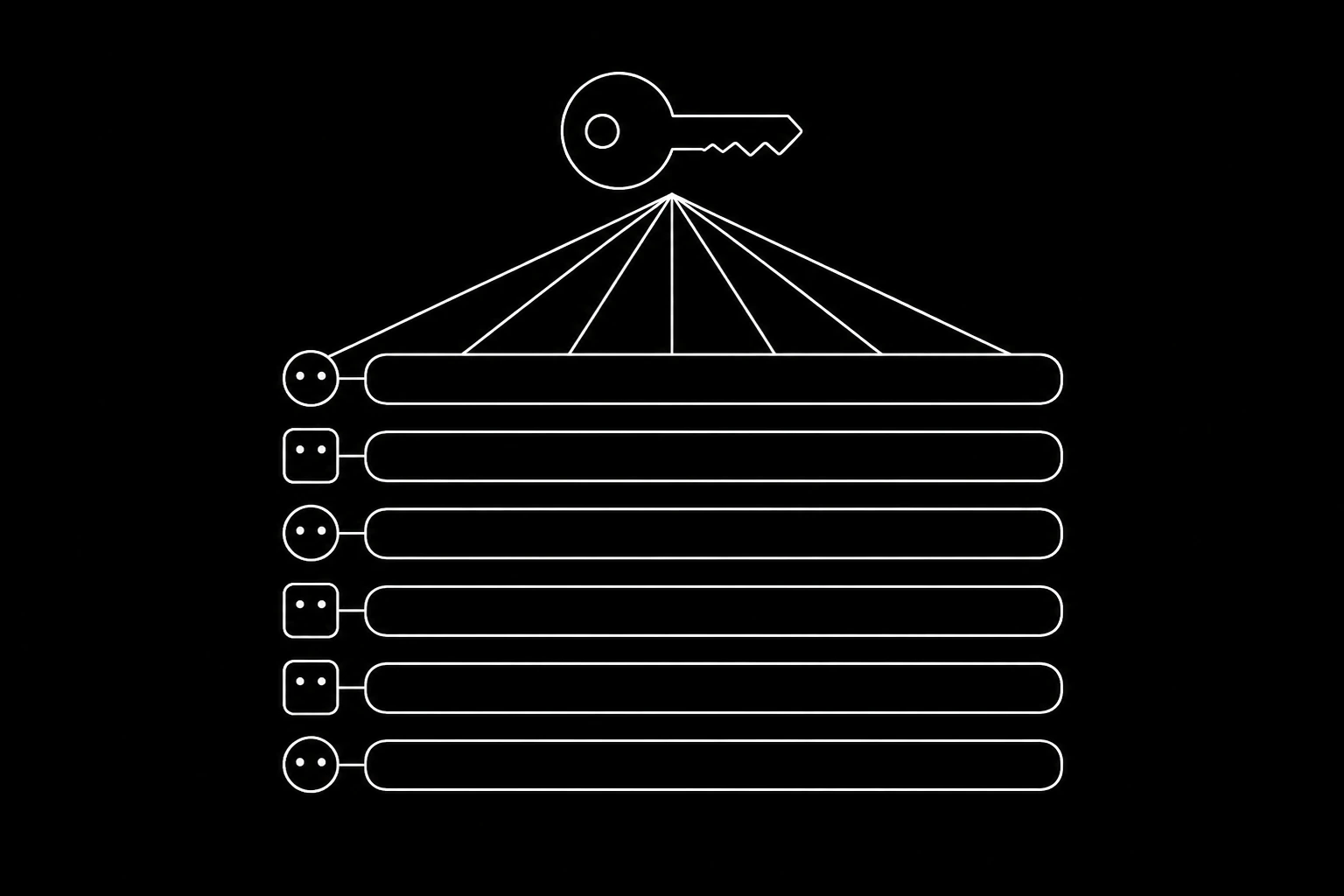
Option two: an alias that forwards
Slightly better. The agent gets its own address and mail forwards to somewhere it can read, so it looks like a separate identity from the outside.
What it costs. Forwarding is where DKIM signatures go to die: a forwarder that modifies the message breaks the signature, and a broken signature can take your DMARC alignment down with it. Threading gets fragile because the agent reads a rewritten copy rather than the message. And replies usually go out from the underlying mailbox, so the address the recipient sees changes mid-conversation, which is confusing at best and looks like a phishing attempt at worst.
Option three: the Gmail or Microsoft Graph API
The modern version of option one, and a real improvement on it. OAuth scopes are narrower than an IMAP password, the API returns parsed structures rather than raw MIME, and you get push notifications instead of polling.
What it costs. The scope is still the mailbox, not the agent: a token that can send can send as that mailbox, to anyone, without a distinction between replying and starting a conversation. There is no send classification, no per-agent allowance, no unsubscribe handling, and no built-in oversight surface for a non-technical person, so you build all of it yourself. You are also tied to that provider's model of a mailbox, and every agent needs a real seat with a real licence. It is a good choice when the agent is genuinely acting as one specific person, for example an executive assistant working inside its principal's mailbox, and there is a migration plan for the cases where it is not in moving an agent off the Gmail API. It is the wrong shape when the agent is its own actor.
Option four: a dedicated agent identity
The agent has its own address, its own mailbox, and its own key. It reads threads rather than messages, sends through authenticated infrastructure on your domain, and every action is attributed to it.
What it costs. Five minutes of setup and, for your own domain, a set of DNS records you publish once. In exchange, scoping, oversight, and revocation are per-agent, and the second and third agent cost nothing extra to add. Details in how to give an AI agent its own email address.
| Shared credentials | Forwarding alias | Provider API | Dedicated identity | |
|---|---|---|---|---|
| Per-agent scope | None | Partial | Per mailbox | Full |
| Threading | You build it | Fragile | Provided | Built in |
| Reply vs cold distinction | None | None | None | Enforced |
| Attribution in an audit | Manual | Partial | Per token | Per message |
| Revoke one agent | Rotate for everyone | Delete the alias | Revoke a token | Revoke one key |
| Deliverability alignment | Inherited | Often broken | Inherited | Verified per domain |
| Cost of a second agent | Same problems again | New alias, same problems | Another licence | One more identity |
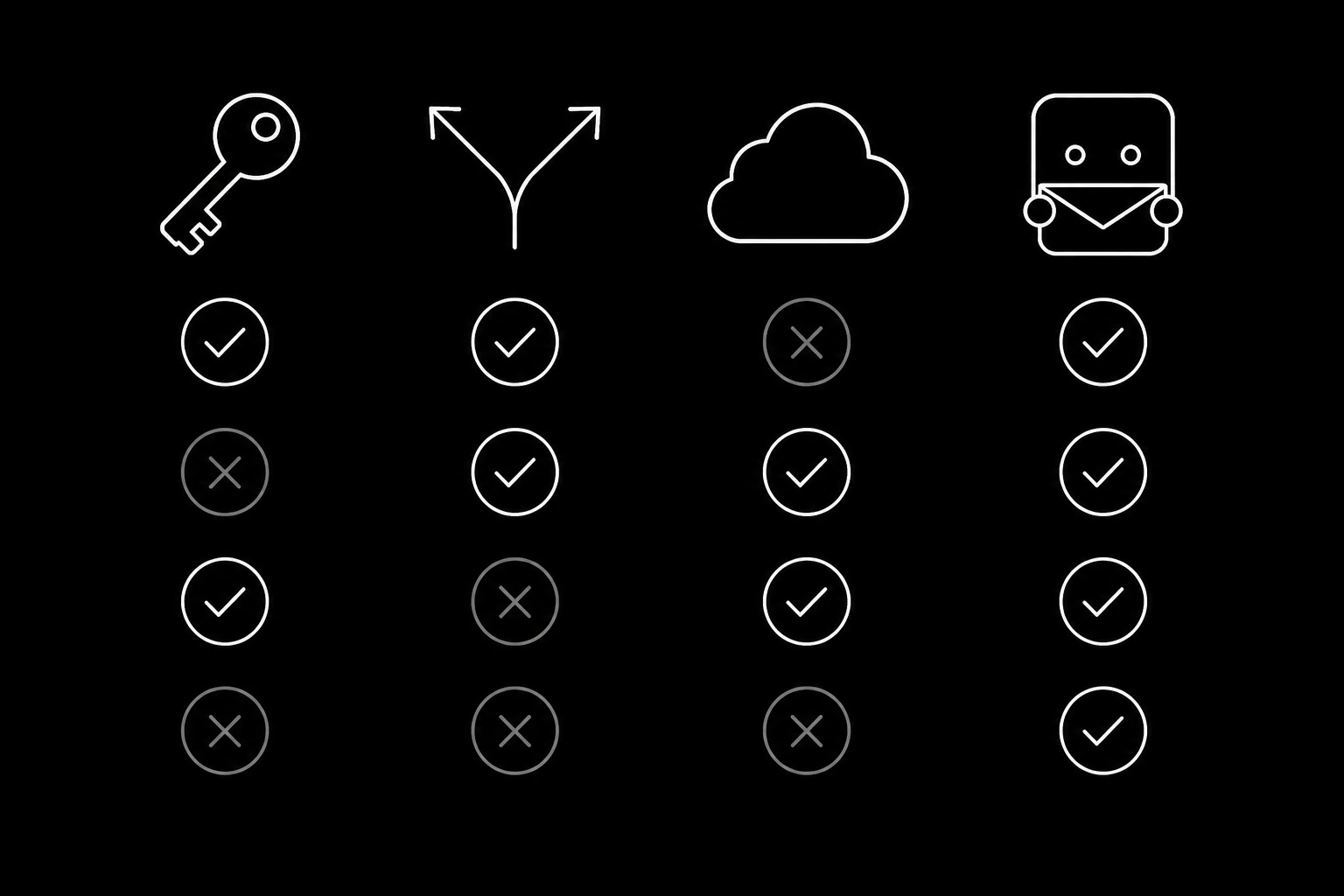
The question that decides it
Is the agent acting as a person, or as itself?
An assistant that triages its principal's mail, drafts on their behalf, and sends as them is acting as a person. Use the provider API, inside that person's mailbox, with narrow scopes.
An agent that answers support mail, chases invoices, or coordinates interviews is acting as itself. It is a participant in your company's correspondence with its own address, its own reputation, and its own audit trail. Everything about running it, from revocation to oversight to metering what it sends, is simpler when the infrastructure agrees that it is a separate actor.
If the instinct is to build the whole layer yourself instead, the honest inventory is in building the agent's mail layer yourself on SES.
When a shared mailbox is genuinely fine
One agent, read-only, internal use, throwaway prototype. If the agent never sends and nobody outside sees it, the failure modes above cannot bite. Prototype however you like; the advice is only about what you keep.
Two things push you off that path quickly, and both arrive sooner than people expect: the second agent, and the first time an outsider receives a message you cannot cleanly attribute.
Migrating without a flag day
- Create the agent identity on a subdomain and point one narrow flow at it, for example order status questions only. The quickstart covers the setup.
- Forward or copy the relevant inbound mail there while the old path keeps running.
- Watch a week of threads in the dashboard, correcting the prompt where answers are weak rather than wrong.
- Move the address into your published contact points once replies look right.
- Retire the shared credential and rotate the password it used. Anything the agent had signed up for with that address needs re-registering to its own, per login codes, 2FA, and verification email.
Nothing here requires stopping what you already do. The one thing worth doing early is the identity split, because retrofitting attribution onto months of interleaved mail is not a project anyone enjoys.
Once the split exists, the use case guides are the fast path: support, inbound sales, invoice chasing, and interview coordination.
Questions
- Can I just give my agent my existing inbox password?
- You can, and for a read-only prototype it is fine. For anything that sends, shared credentials give you no per-agent scope, no clean attribution, and no way to revoke one agent without disrupting people.
- Should I use the Gmail API instead?
- Use it when the agent genuinely acts as one specific person inside their mailbox. Use a dedicated identity when the agent is its own actor, because a mailbox-scoped token cannot express a reply-versus-cold-send distinction, a per-agent quota, or clean per-agent revocation. The send caps, seat costs, and suspension risk are laid out in MCPmailer vs Gmail.
- Why does forwarding break deliverability?
- Forwarding often modifies the message, which invalidates the DKIM signature. Once DKIM fails, DMARC alignment can fail with it, and the message is judged as unauthenticated.
- How many agents can share one identity?
- One. That is the point of the model: the identity is what scope, attribution, and revocation attach to.
- Do I need my own domain to start?
- No. A workspace gets a working subdomain immediately, so you can run the whole flow before touching DNS and move to your own domain later. See domains.
- What happens to the mail history in our old shared inbox?
- It stays where it is. The migration above adds a new path for new conversations rather than moving anything, which is why it can run alongside your current setup without a cutover.
Give your agent an address it can answer from.
Create an inbox