Sending and receiving email from a Python agent
Plenty of agent stacks are Python and do not speak MCP, which is fine: the same keys work against a plain HTTP API, and the SDK is standard library only, so it drops into a Lambda, a container, or a notebook without dragging a dependency tree behind it.
4 min read
Install and authenticate
pip install mcpmailer
export MCPMAILER_API_KEY=mmk_live_...from mcpmailer import Mcpmailer
mail = Mcpmailer() # reads MCPMAILER_API_KEY from the environmentThe key is scoped to one agent identity, so everything below acts as that agent and cannot reach another agent's mail. Get one from the quickstart, or have the agent provision its own if it is being created at runtime.
Send the first message
res = mail.send(
    to=["anna@customer.com"],
    subject="Your order 4012",
    body="Hi Anna,\n\nYour refund was issued today and reaches your card in 3 business days.",
)
print(res["status"], res.get("messageId"), res.get("reason"))
Bodies are markdown and go out as text plus HTML. Five recipients per message is a hard cap.
Note what comes back: a status, and either an id or a reason. That second case is the one most tutorials skip and most production incidents involve.
Handle refusals, because they are normal
A refused send is information, not an exception to swallow. The reasons are stable strings, and each implies a different action.
REASONS = {
    "daily_send_quota_exhausted":   "wait",       # carries a reset time
    "monthly_send_quota_exhausted": "wait",
    "monthly_spend_cap_reached":    "ask_owner",  # only they can raise it
    "recipient_suppressed":         "stop",       # bounced or complained before
    "sending_locked_verify_email":  "stop",       # workspace email not verified yet
}

if res["status"] == "rejected":
    action = REASONS.get(res["reason"], "escalate")
    if action == "wait":
        time.sleep(res.get("retryAfter", 3600))
    else:
        escalate(res)
Retrying immediately is the wrong reflex: rate limits and allowances exist to protect a sending domain, and hammering one converts a temporary refusal into a reputation problem. The same reasoning appears in the system prompt for an email agent.
Read the thread, not the message
thread  = mail.get_thread(thread_id)           # whole conversation, quoted history stripped
contact = mail.lookup_contact("anna@customer.com")

answer = your_model(thread, contact)           # your LLM call
mail.reply_all(message_id, answer)
Those two lookups before writing are what separate an agent that sounds competent from one that asks for an order number it was given last week. Why they matter is worked through in giving an email agent memory.
Wait for a reply without a scheduler
reply = mail.wait_for_reply(thread_id, timeout_seconds=900, poll_seconds=15)
if reply is None:
    follow_up_once(thread_id)      # silence is information: one nudge, then stop
else:
    mail.reply_all(reply["id"], your_model(reply))
The call blocks your process and polls the thread until the deadline, so pick both numbers deliberately: poll_seconds too low spends the 300-a-minute rate limit that the rest of the agent shares, and a timeout measured in days is a webhook wearing a loop's clothing. Minutes to an hour is the range this fits. For anything longer, take the webhook below and let the wait cost nothing. Choosing the timeout, and knowing when a conversation is over, is covered in long-running email conversations.
Receive inbound mail
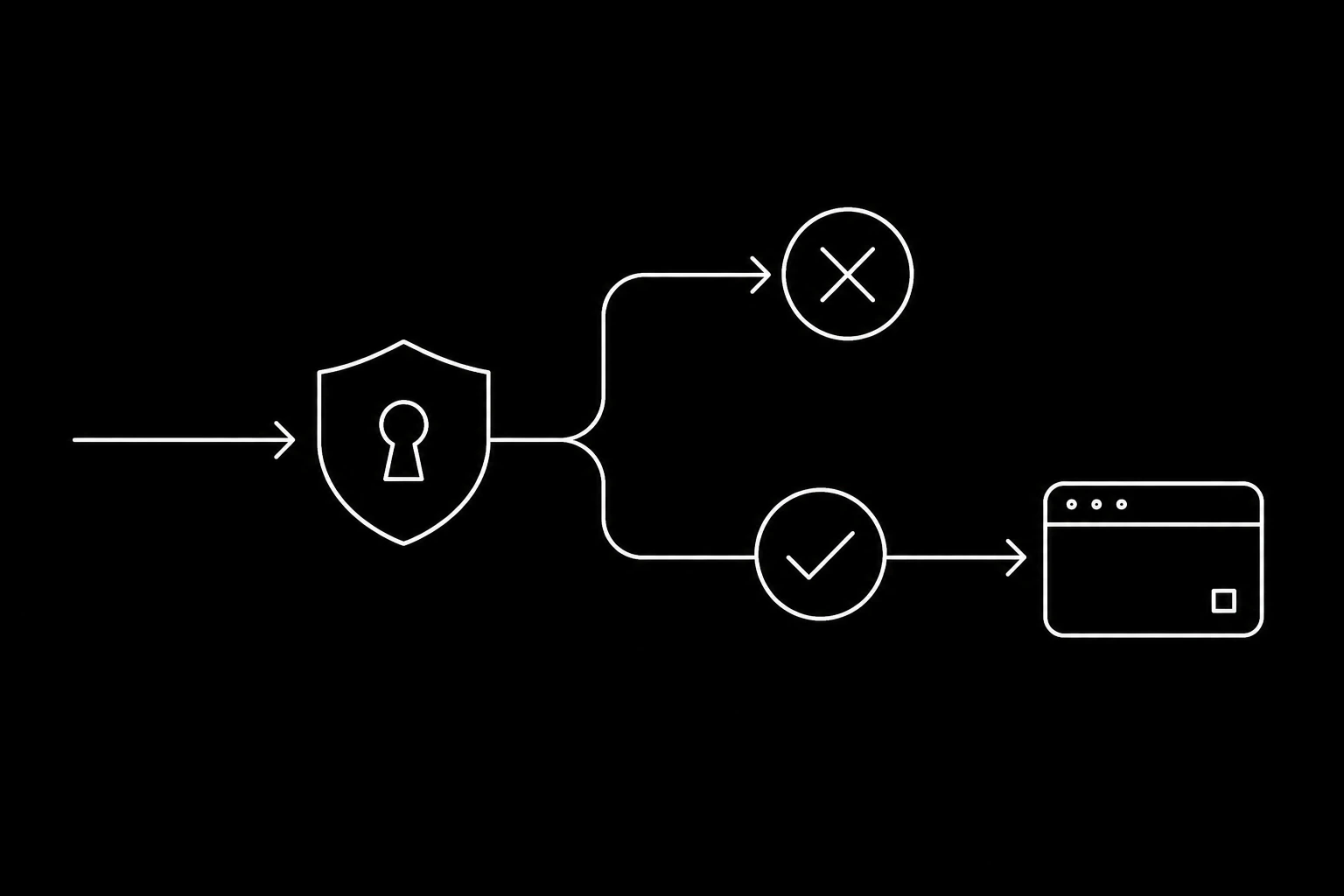
For anything arriving cold, take a webhook rather than polling. Verify the signature over the raw body before parsing, acknowledge fast, and do the work afterwards.
import hmac, hashlib, json, time

def verify(raw: bytes, header: str, secret: str, tolerance: int = 300) -> bool:
    # The header is "t=<unix seconds>,v1=<hex>", and during a secret rotation it
    # carries one v1 per valid secret, so any match is a match.
    parts = dict(p.split("=", 1) for p in (header or "").split(",") if "=" in p)
    try:
        sent_at = int(parts["t"])
    except (KeyError, ValueError):
        return False
    # Without this a delivery captured once stays valid forever.
    if abs(time.time() - sent_at) > tolerance:
        return False

    expected = hmac.new(secret.encode(), f"{sent_at}.".encode() + raw, hashlib.sha256).hexdigest()
    return any(
        hmac.compare_digest(p[3:], expected)
        for p in (header or "").split(",")
        if p.startswith("v1=")
    )

def handle(raw: bytes, signature: str) -> tuple[int, str]:
    if not verify(raw, signature, SECRET):        # raw bytes, before json.loads
        return 401, "bad signature"

    event = json.loads(raw)
    # Key on the delivery id, not the message: it is the value that is stable
    # across retries, and message_id can be absent on some events.
    if already_handled(event["id"]):
        return 200, "ok"

    queue.put(event)                              # work happens outside the request
    mark_handled(event["id"])
    return 200, "ok"
Three properties, and each one earns its place: the HMAC is computed over "<timestamp>.<raw body>" so it has to run before json.loads (re-serialising changes the bytes and the signature covers bytes); the timestamp window is what stops a captured delivery being replayed at leisure; and the id is what makes at-least-once delivery harmless. More in webhooks or polling.
Secrets, when the agent has to sign in somewhere
secret = mail.get_secret(secret_id)         # only what this agent was granted
code   = mail.get_totp_code(secret_id)      # RFC 6238 code for a second factor
Values are encrypted at rest and granted per agent, so an agent without a grant cannot see that a secret exists. There is no key to hand the client: the value is decrypted server-side for the agents that were granted it, and every read lands in the activity log. Never put a credential in a prompt or a message body, and see login codes, 2FA, and verification email for the flows around it.
Running it locally
mcpmailer tunnel --handle scout --target http://localhost:8000
# https://scout.mcpmailerwire.com now reaches your local server
Point the webhook at that hostname and it keeps working across restarts, which beats a fresh tunnel URL every time you rerun the process. See tunnels and the wider setup in test inboxes for agent development.
Straight HTTP, if you would rather not add a dependency
The same four calls in Go, Ruby, and PHP are in no SDK for your language.
Everything above is a documented REST endpoint with the same key, described in the REST chapter and formally in openapi.json.
import urllib.request, json

req = urllib.request.Request(
    "https://mcpmailer.com/v1/messages",
    data=json.dumps({"to": ["anna@customer.com"], "subject": "Hi", "body": "From Python."}).encode(),
    headers={"Authorization": f"Bearer {KEY}", "Content-Type": "application/json"},
)
print(json.load(urllib.request.urlopen(req)))
Questions
- How do I send email from a Python AI agent?
pip install mcpmailer, setMCPMAILER_API_KEY, and callmessages.send. The key is scoped to one agent identity, and bodies are markdown delivered as text plus HTML.- Do I need MCP to use this from Python?
- No. MCP is for letting a model call the tools directly. Python code that already knows what to do can use the SDK or plain REST with the same key and the same rules.
- How does a Python agent wait for a reply?
wait_for_replyblocks server-side and returns when the reply arrives or the timeout expires, so there is no polling loop or scheduler.- What do I do with a rejected send?
- Read the reason. Quota reasons carry a reset time and mean wait,
recipient_suppressedmeans stop sending to that address, and a spend cap means only the workspace owner can raise it. - How do I receive mail in Python?
- Register a webhook for
message.received, verify the HMAC signature over the raw body, acknowledge immediately, and process outside the request. Handle duplicate deliveries by keying on the message id. - Does the SDK need extra dependencies?
- No, it is standard library only.
pip install 'mcpmailer[vault]'adds AES-GCM if you need it.
Give your agent an address it can answer from.
Create an inbox