Knowing where your agent's mail actually lands
Your sending dashboard says delivered. That means a receiving server accepted the message, and says nothing about whether it went to the inbox, the promotions tab, or the spam folder. Those are three very different outcomes and only one of them gets read.
5 min read
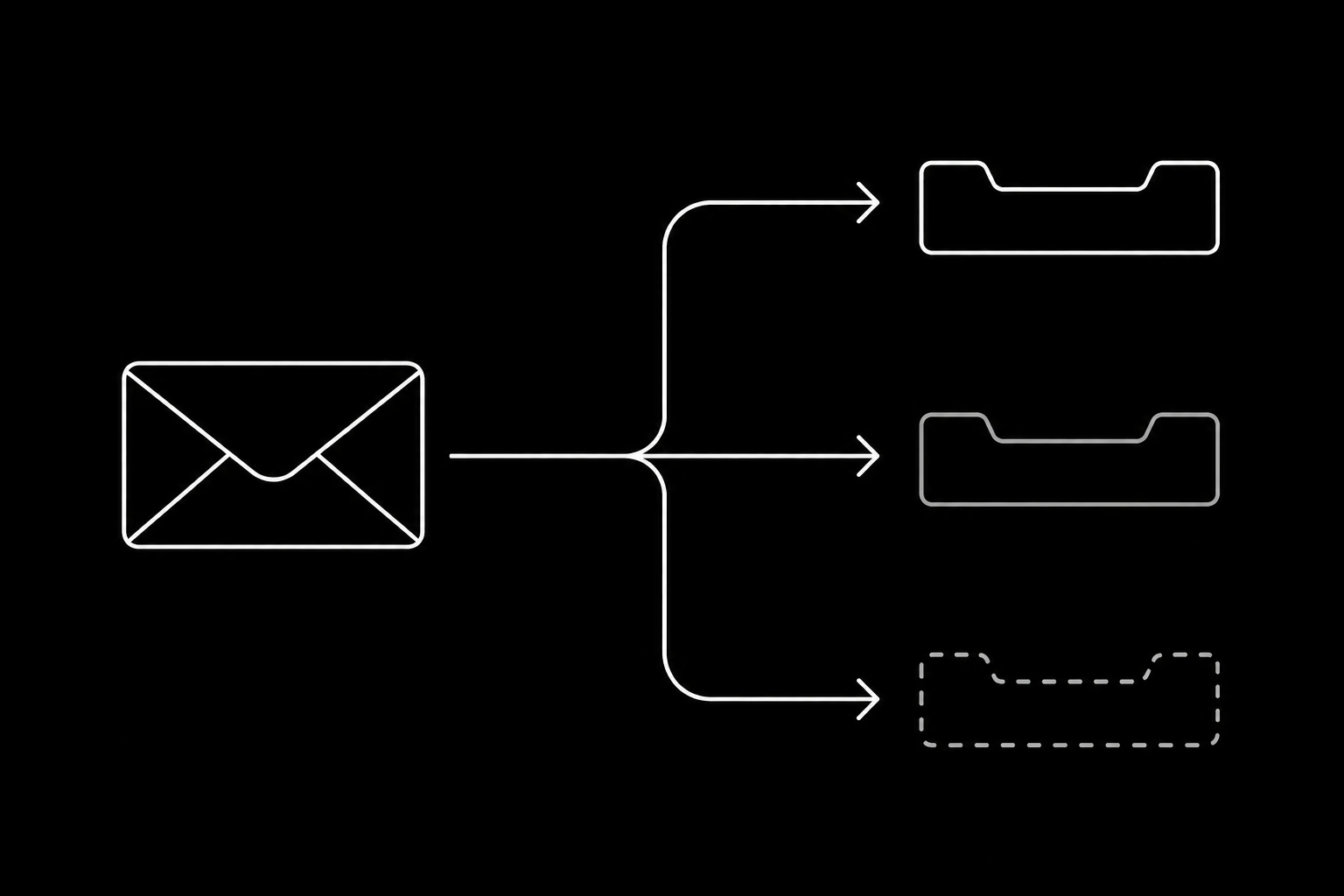
Closing that gap takes two tools and about an hour of setup.
Postmaster tools tell you what providers think
The large providers publish some of what they know about you, for free, if you prove you own the domain.
Google Postmaster Tools is the important one, because Gmail is where most of your mail goes. It shows domain and IP reputation, spam rate as users report it, authentication pass rates, and delivery errors, all per sending domain. Verify the agents subdomain specifically, since that is the reputation you actually care about, per deliverability for agent senders.
Microsoft SNDS and JMRP cover Outlook and Hotmail, and matter if you have corporate or consumer recipients there. JMRP is the feedback loop that tells you when someone hits report spam.
Two things to know before you read them. Data appears only once you send enough volume to that provider, so a new agent domain will show nothing for a while and that is not a problem. And the spam rate figure is the one number worth alarming on: a sustained rise there precedes filtering rather than following it.
Seed accounts tell you where it lands
Postmaster tools tell you what a provider thinks. Seed accounts tell you what a recipient sees.
Make real mailboxes you control across the providers your recipients actually use, and have something send to them on a schedule. Then look. Inbox, promotions, or spam, per provider, over time.
Keep it honest, which mostly means keeping it small. A dozen accounts read manually beats a large seed list where the accounts never open anything, because engagement is part of what you are measuring and a mailbox that never reads mail is not a representative recipient. Open the messages sometimes. Reply to a few.
For an agent this is easy to automate in the direction that matters: have a test identity send its normal replies to your seed addresses, then check placement, using the setup in test inboxes for agent development.
| Signal | Where it comes from | Watch for |
|---|---|---|
| Spam rate | Postmaster tools | Any sustained rise; this leads filtering |
| Domain reputation | Postmaster tools | A drop from high to medium |
| Authentication pass rate | Postmaster tools or DMARC reports | Anything below effectively 100% |
| Placement | Seed accounts | Promotions or spam appearing at one provider |
| Hard bounce rate | Your own events | Above a fraction of a percent |
| Complaint rate | Feedback loops, your own events | Anything visible on a chart |
Per provider, always
The single most common monitoring mistake is watching an aggregate. Providers disagree about senders, and they disagree in exactly the situation where you need to know: Gmail is fine, Outlook has started filing you under junk, and your average looks unchanged because Gmail is most of your volume.
Split every number by receiving provider. If you only do one thing from this post, do that.

What to do when placement slips
In order, because the order saves time.
- Confirm it is real. One seed account is one data point; check several at the affected provider before doing anything.
- Check authentication on a delivered message, not the DNS. Alignment failures are still the most common cause, per SPF, DKIM, and DMARC.
- Check what changed on your side. New volume, a new category of mail, a prompt change that made replies longer or more templated.
- Check bounces and complaints for the period. Placement problems usually follow sloppy targeting rather than preceding it, per bounces, complaints, and suppression.
- Stop expanding volume until it is understood. Growing through a placement problem turns a week into a quarter.
- Only then look at content, which is the smallest lever and the one everyone reaches for first.
Alerts worth having
Most of this is weekly reading. Three things deserve to page someone:
- Complaint rate above zero at any provider.
- Hard bounce rate rising, which usually means an address source went bad.
- Send volume moving sharply in either direction, since a collapse is a broken webhook and a spike is a loop.
Those overlap with the operational alerts in what to monitor in production, and they are the ones where a day of delay costs real reputation.
The reason agents make this easier
An inbound-first agent produces the best deliverability signal there is, which is replies to mail people asked for. That means a support or scheduling agent tends to have excellent placement almost by accident, and the monitoring above is mostly there to catch the day something changes.
If you are running outbound, the same monitoring is not optional, because the traffic that damages a domain is exactly the traffic that looks fine in a sending dashboard right up until it does not.
Questions
- How do I know if my agent's email reaches the inbox?
- Two sources: postmaster tools for what providers think of your domain, and seed accounts you own for where messages actually land. A delivered status in a sending dashboard answers neither.
- What is Google Postmaster Tools good for?
- Domain and IP reputation, user-reported spam rate, authentication pass rates, and delivery errors for a domain you verify. Verify the agents subdomain rather than the root, since that is the reputation that matters.
- How many seed accounts do I need?
- A dozen across the providers your recipients use, read by a human sometimes. A large list nobody opens measures the wrong thing, because engagement is part of what you are testing.
- Why split metrics per provider?
- Because providers disagree, and an aggregate hides exactly the case you need to catch: one provider filtering you while your largest provider stays fine.
- What should alert rather than wait for a weekly review?
- Any complaint rate above zero, a rising hard bounce rate, and volume moving sharply in either direction. Everything else is a weekly read.
- Placement dropped. What first?
- Confirm it across several seeds at that provider, then check authentication on a real delivered message, then what changed on your side. Content is the last lever, not the first.
Give your agent an address it can answer from.
Create an inbox